
Today we're launching Block Packs, a single place to build, apply, and monitor every blocking rule across your inventory. A Block Pack is a named set of rules: the categories, advertisers, apps, and creatives you don't want in your apps. Build it once, choose which apps it covers, and CloudX enforces it on every auction.
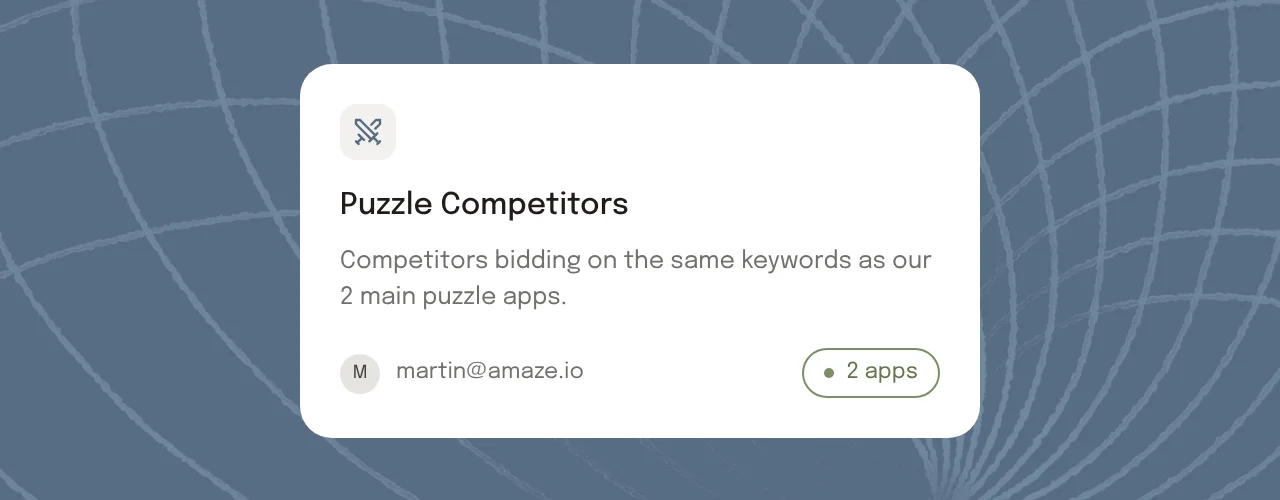
Most publishers already know which demand they don't want. A direct competitor advertising in their top app. Gambling or dating ads next to a game built for teens. A content category that doesn't fit their audience. The hard part is making those rules stick everywhere, without retyping the same list into every app and ad unit.
Block Packs turn each of those decisions into one setting you can reuse, scope, and review, and you can start from templates CloudX already maintains.
What you can block
Build a pack from any combination of:
- IAB categories. Content categories you don't want your inventory associated with.
- Advertiser domains. Blocking a domain also blocks its subdomains.
- App bundles. A competitor's app, or any app you don't want advertised.
- Creative IDs. A specific ad you've seen and don't want to see again.
Paste a whole list into a pack at once, and export any pack, or all of them, to CSV when you need to share or audit what's blocked.
Enforced before and after the auction
You don't have to know where each rule is enforced. CloudX catches each one as early as it can.
Before the auction, blocked categories, advertiser domains, and app bundles go out with every bid request, so demand partners can filter that demand before they bid.
After bids come back, CloudX checks every bid against the same rules, in case a partner ignored them, and against the rules that only make sense once a bid exists, like the specific creative behind it. Blocked bids are removed before they can win.
Choose where it applies
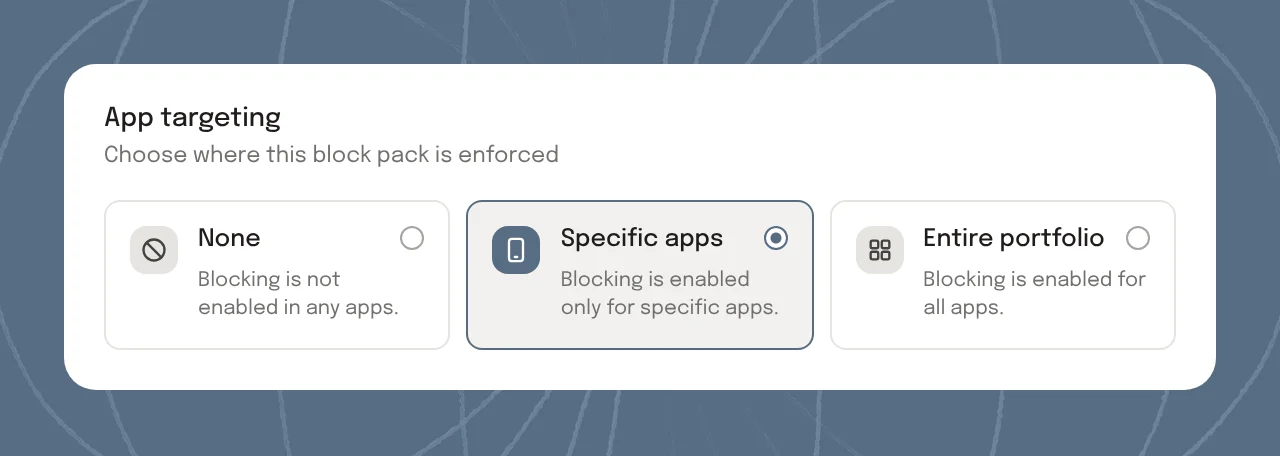
Apply a pack to your entire portfolio or to specific apps, or leave it off while you're still building it. Packs stack: every pack that covers an app adds its rules, and no pack overrides another. A portfolio-wide pack keeps protecting an app that also has its own, stricter pack.
That makes it easy to keep a competitor pack on one group of apps and a stricter pack on the apps built for younger audiences.
Start from a CloudX template
You don't have to start from a blank list. CloudX templates are curated lists of app bundles in categories that commonly drive user complaints, including Slots, Casino, Betting, Crypto, Dating, and Short Drama. Turn one on for your whole portfolio or selected apps in a click. CloudX keeps each template up to date, so its contents stay current without any work from you.
See what each pack is doing
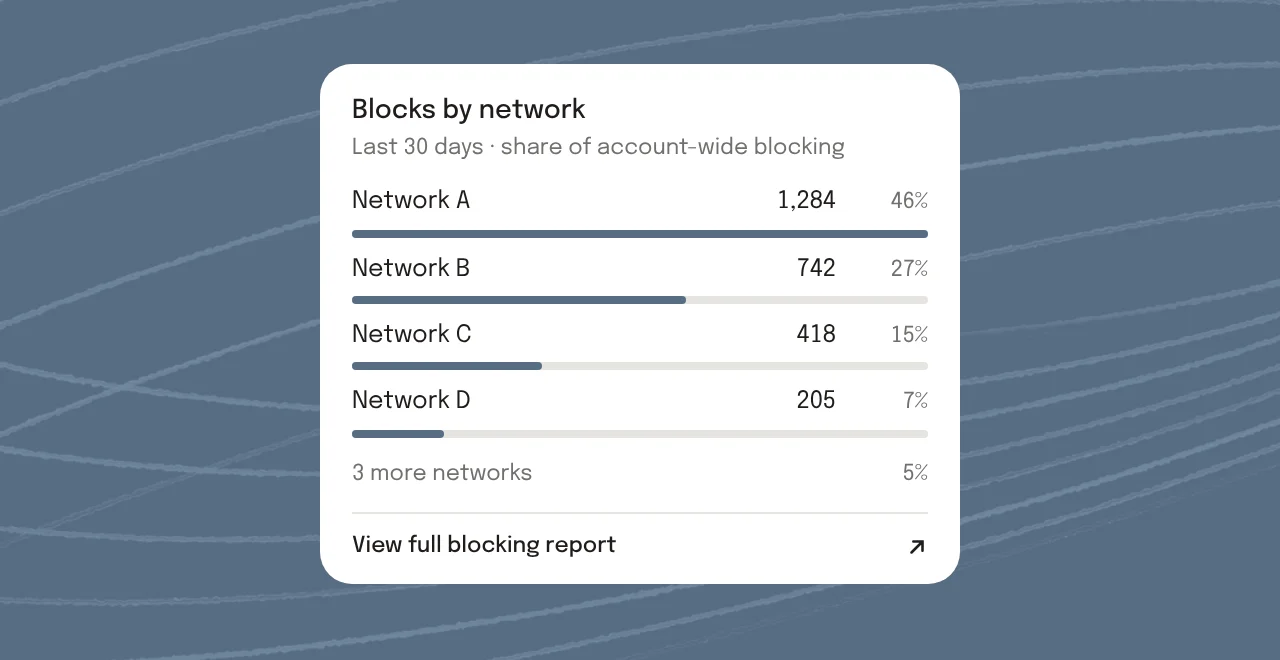
Every pack shows how many bids it blocked in the last 30 days and since it was created, how much revenue those bids represented, how much was recovered by the demand that filled the slot instead, and the net revenue impact. Click any of those numbers to see which networks the blocks came from.
The Effectiveness tab brings it together: blocks by pack, demand partners that bid despite being told about a rule, and an audit trail of recent blocking changes.
Manage packs with CloudX Agent
CloudX Agent can list, create, update, and delete your packs, and turn CloudX templates on for the apps you choose, from the dashboard or any MCP client like Codex or Claude Code.
Getting started
Block Packs are available today in the CloudX dashboard, under Block Packs. Build your first pack, or turn on a CloudX template.
Docs: docs.cloudx.io/en/dashboard/block-packs. Questions and requests: hello@cloudx.io.

